
Voice Agent Setup Mistakes

The most common voice agent setup mistakes are skipping the setup call, forwarding only after-hours calls, skipping missed-call SMS recovery, listing services without prices, leaving the calendar connection unchecked, skipping edge-case test calls, and handing calls off without context. Each one is a small configuration choice, and each fix takes minutes.
This is part of our complete AI voice agent guide for service businesses.
Seven setup mistakes turn a same-day deploy into a leaky one. Each one is a small choice during configuration; together they quietly cost you booked jobs. Each fix takes minutes, self-serve or white-glove.
Skip the mistakes. Try Auto-Respond free and our team ships all 7 fixes during your setup call.
The 7 Deploy-Speed Mistakes
| Mistake | Impact on Deploy Speed | Impact on Booking |
|---|---|---|
| 1. Skipping the setup call | Tuning left to you vs same-day with support | Untuned config costs bookings |
| 2. Phone forwarding only after-hours | None on go-live | Misses business-hours calls |
| 3. Skipping missed-call SMS recovery | None on go-live | Lost calls never recovered |
| 4. Service list without prices | Slows first booking | Lower booking on pricing calls |
| 5. Calendar connection not checked | Fails later, not at go-live* | Same-day cancellations |
| 6. Skipping edge-case test calls | Surfaces issues post-launch | Day-1 errors slip through |
| 7. Bad handoff (no context) | None on go-live | Hot leads drop on handoff |
*Calendar connections can fail silently long after deploy. The damage shows up later.
Mistake 1: Skipping the White-Glove Setup Call
Self-serve vs supported deploy.
| Metric | Self-Serve | White-Glove |
|---|---|---|
| Who configures it | You, on your own | Support, live during the call |
| Likelihood of finishing setup | Lower (many stall) | Higher (live during the call) |
| Day-1 configuration errors | More | Fewer |
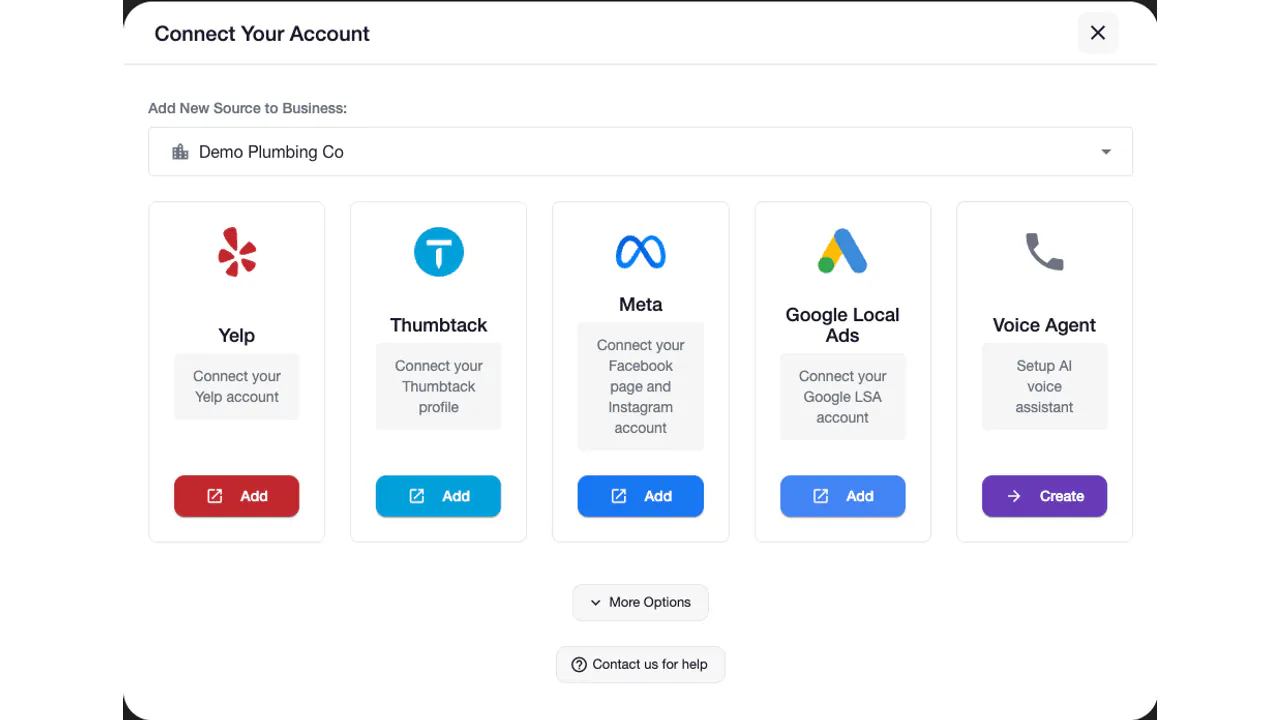
The setup call is free. Skipping it means tuning every setting yourself instead of having support get it right with you, live, the same day.
Mistake 2: Phone Forwarding Only After-Hours
Plenty of missed calls happen during business hours - you are on a job, in a basement, or already on another call.
| Forwarding Setup | What It Captures |
|---|---|
| After-hours only | Misses every business-hours call you can’t pick up |
| All unanswered after 4 rings | Catches both after-hours and on-the-job misses |
Forwarding every unanswered call captures the business-hours misses you’d otherwise lose to voicemail.
Mistake 3: Skipping Missed-Call SMS Recovery
| Setup | What Happens to a Missed Call |
|---|---|
| No SMS, voicemail only | Many callers hang up and dial the next business |
| Under-2-second SMS text-back | Conversation stays alive; the lead replies instead of leaving |
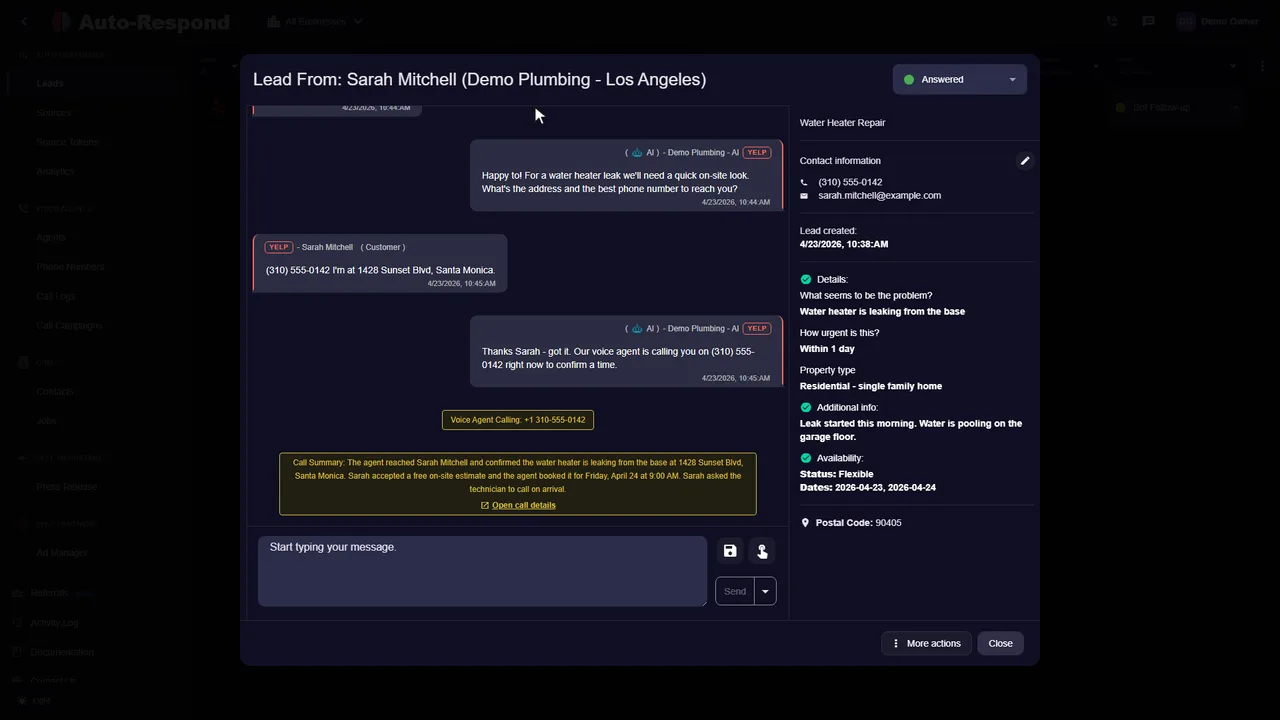
A missed call without text-back is usually a lost lead. The instant SMS recovers calls that would otherwise be gone - skipping it is the most expensive shortcut you will ever take.
Mistake 4: Service List Without Prices
| Service Listing | Effect on Pricing Calls |
|---|---|
| ”Call for quote” | Forces a callback queue; customers move on |
| Flat price ($199) | Reads as rigid; can undersell the job |
| Min/max range ($150-$450) | Sets expectations and books the most |
Customers want a range, not a precise number. Range = trust = booking.
Mistake 5: Broken Calendar OAuth
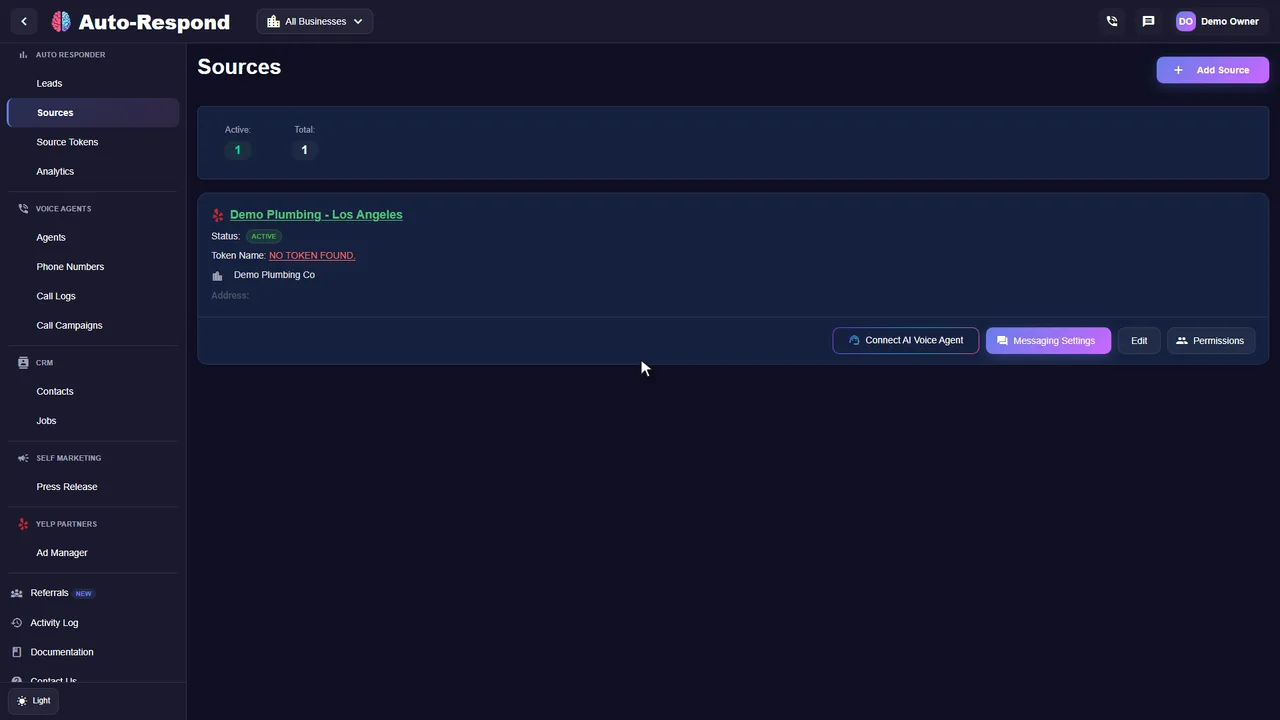
Connections can expire or be revoked without warning. AI keeps booking, calendar never syncs.
| Failure Mode | How It Breaks |
|---|---|
| Token expired | Auth lapses with no warning |
| Wrong scope | AI can read but not write events |
| Revoked by IT | Access pulled without anyone noticing |
Fix: check the calendar connection regularly and reconnect it the moment sync stops, so calendar sync never fails silently.
Mistake 6: Skipping Edge-Case Test Calls
| Test Coverage | What It Catches |
|---|---|
| Happy path only | Misses most real-world edge cases |
| Happy path + out-of-zone | Catches a few more |
| Happy path + 3 edge cases | Surfaces the day-1 issues before customers do |
Edge cases: out-of-zone, after-hours, voicemail callback, complex handoff, calendar full.
Mistake 7: Bad Handoff Without Context
| Handoff Quality | Effect on Handed-Off Calls |
|---|---|
| No context (cold pickup) | Customer repeats everything; many give up |
| Voicemail summary | Better, but still missing the live detail |
| Full transcript + intent + urgency | Tech picks up warm and books the most |
A short SMS summary. The tech picks up with everything pre-typed.
Cumulative Cost: All 7 Mistakes
| State | Booking Outcome | Deploy Speed |
|---|---|---|
| All 7 mistakes shipped | Leaks jobs at every step | Slow, leaky start |
| Zero mistakes (white-glove) | Books the most from the same calls | Live the same day |
The white-glove setup call is free. That one call is what closes the gap between the two rows above. To put it in your own terms: book even a couple of extra jobs a month at your average ticket and the call has paid for itself many times over - run the numbers on your own call volume.
Same-Day Deploy With Zero Mistakes
| Step | Action |
|---|---|
| 1 | Sign up + book setup call |
| 2 | Zoom setup call, all 7 fixes shipped |
| 3 | Live test call from friend phone |
| 4 | Go live, all 7 fixes active |
| 5 | First AI-booked job |
| 6 | Answering every call 24/7, jobs landing on your calendar |
How to Avoid the 7 Mistakes
- Book the white-glove setup call (do not skip). Live the same day with support driving the configuration.
- Forward all unanswered calls after 4 rings. Not just after-hours.
- Enable under-2-second SMS missed-call recovery. Recovers calls that would otherwise go to voicemail and never come back.
- Paste service list with min/max prices. Lifts booking on pricing calls.
- Run 3 edge-case test calls before go-live. Out-of-zone, after-hours, voicemail.
Frequently Asked Questions
What setup mistake delays voice agent deploy the most?
Skipping the white-glove setup call. The free setup call gets you live the same day with support driving configuration: greeting, services, prices, calendar OAuth, phone forwarding, voice tone, handoff protocol. All shipped in one sitting, voice AI live during the call. Skipping it leaves every one of those settings for you to tune alone.
What is the most common phone forwarding mistake?
Forwarding only after-hours calls and missing the during-business-hours misses. Plenty of missed calls happen during stated business hours because the tech was on a job, in a basement, or on another call. Fix: forward all unanswered calls after 4 rings, not just after-hours. Forwarding every unanswered call captures the business-hours misses an after-hours-only setup never sees.
Why does skipping the missed-call recovery setup cost the most?
Many callers who hit voicemail never call back - they dial the next business. An under-2-second SMS text-back keeps the conversation alive instead, recovering missed calls that would otherwise be lost outright. Skipping the SMS recovery setup is the most expensive shortcut you will ever take.
What service-list mistakes delay first booking?
Three service-list mistakes. First, missing prices (“call for quote”) forces every customer into a callback queue. Second, prices without ranges ($199 vs $150-$450) causes the AI to undersell jobs. Third, missing emergency dispatch upcharge causes same-day jobs to ship at off-hours pricing. Fix: paste top 10 services with min/max prices and emergency upcharge. A quick fix that lifts booking on pricing calls.
How do calendar OAuth mistakes cause same-day cancellations?
Calendar connections can expire or be revoked without warning. Voice AI keeps booking slots, but they never sync to your actual calendar. Customer shows up, you are on another job, you are double-booked, refund and one-star review. Fix: check the calendar connection regularly and reconnect it the moment sync stops, so bookings never silently miss your calendar.
What test-call mistakes hide setup problems before go-live?
Two test-call mistakes. First, testing from your own cell phone (caller ID matches account, AI behaves differently than for a stranger). Always test from a friend account or a second number. Second, only testing the happy path (clean qualifier flow) without testing edge cases (out-of-zone, after-hours, voicemail callback). Running a few edge-case test calls before go-live surfaces day-1 issues the happy path hides.
What handoff setup mistake makes the AI lose hot leads?
No context capture in the handoff SMS. When the AI hands off and your tech picks up cold, the customer has to repeat the entire story (service type, urgency, location, prior conversation), and many give up. Fix: configure the handoff to include full transcript, qualifying answers, intent classification, urgency tag, customer phone. A short SMS summary lets the tech pick up with full context, no scrolling, no awkward replay.
What is the cumulative cost of all 7 setup mistakes?
Each mistake quietly costs you booked jobs, and together they leave a same-day deploy leaking jobs at every step. Each fix takes minutes, whether you do it yourself or during a white-glove setup call. The white-glove call is included free, so it is the highest-leverage time you will spend on the entire deploy.
Ship Zero Mistakes During Your Setup Call
Try Auto-Respond free and our team ships all 7 fixes during your free setup call. For the supporting team detail, see support team spotlight.