 Yelp
Yelp Thumbtack
 Facebook
 Instagram
 Google Local Services Ads
The first response
Use your business facts to answer the inquiry, then ask the questions that qualify the work. Add voice callback for supported leads when it fits your process.
We use cookies and measurement tools from Google and OpenAI, and session recording, to measure our ads and improve this site. By continuing to browse, you agree. You can change this anytime. Privacy Policy
Lead response automation
Lead response automation answers every new lead the moment it arrives, so the customer hears from you while they are still choosing who to hire. Auto-Respond creates a job-specific first reply in under 2 seconds for Yelp, Thumbtack, Facebook, Instagram and Google Local Services Ads leads, asks your qualifying questions, can offer times to book, and follows up until the customer replies or books.
7 days to try it Cancel anytime
Voice callback is optional, billed separately, and requires a supported lead with a callable number.
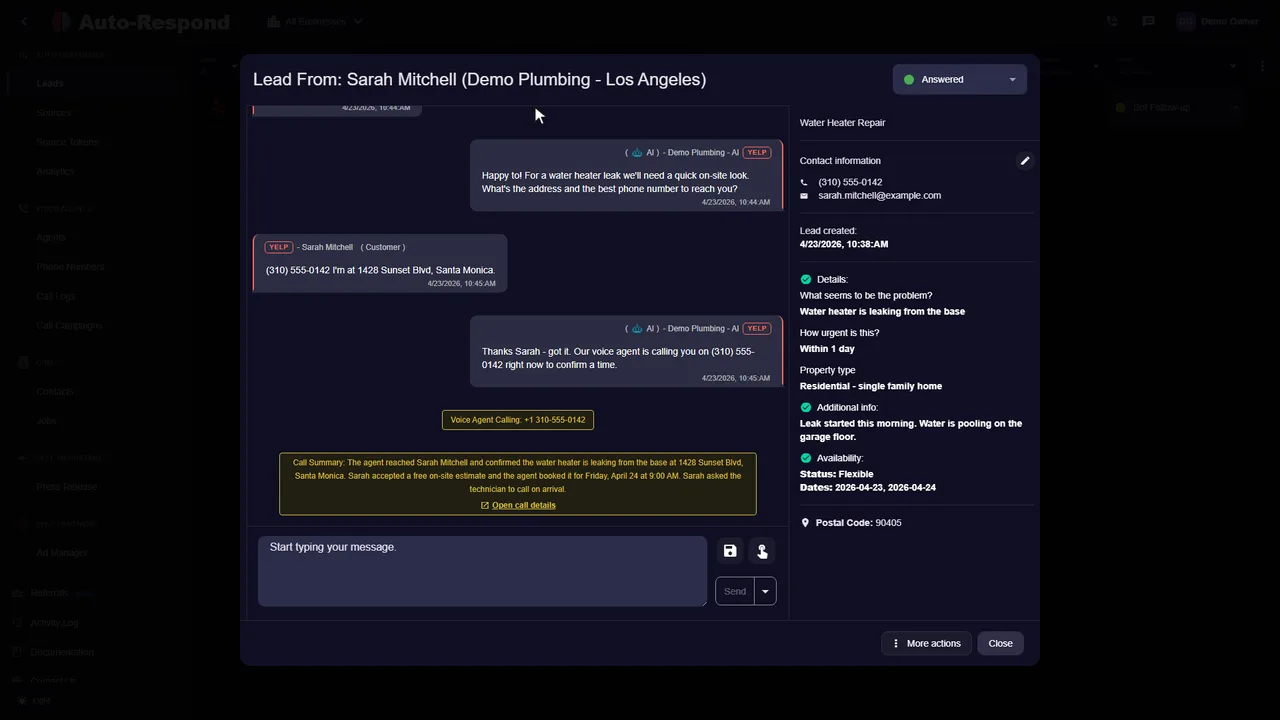
One platform. The channels you already use.
Automated lead response is software that answers a new lead the moment it arrives, instead of waiting for someone on your team to see the notification. On Auto-Respond, the first reply to a supported Yelp, Thumbtack, Facebook, Instagram, or Google Local Services Ads lead is created in under 2 seconds from the services, prices, hours, and service area you set. It can then ask your qualifying questions, offer times from your calendar, and follow up until the customer replies or books.
The point is to close the gap between when a lead arrives and when a person can answer. When Harvard Business Review audited 2,241 U.S. companies, only 37% responded to a new lead within an hour, and contacting a lead within an hour made it about 7 times more likely to qualify than contacting it an hour later (Harvard Business Review, 2011). For a service business, that hour usually disappears on a job site, behind the wheel, or overnight, which are exactly the hours automation covers.
Use your business facts to answer the inquiry, then ask the questions that qualify the work. Add voice callback for supported leads when it fits your process.
Configure follow-up for unanswered leads and stop it when they reply or book. Keep customer details and the next action visible to your team.
Each lead source hands over different details, so the automation does slightly different work on each one. This is what Auto-Respond receives from every channel and what it does with it.
Yelp passes the job name, the customer's survey answers, location, availability, and any photos. The AI creates a job-specific response in under 2 seconds from those details and your business information.
Thumbtack passes the service category, job description, location, and the availability the customer picked. The first reply goes out in under 2 seconds and asks the question you need answered to quote or book.
Both arrive as a chat with the customer's name but no phone number or email. The reply answers their question and asks for the contact details you need, so the lead does not stay anonymous.
A Lead Ads form is a one-time submission, not a chat. Auto-Respond captures the name, phone, email, and your custom questions, can send a confirmation, push the lead to your CRM, and alert your team.
LSA leads usually include a phone number, postal code, and the requested service. Messages are answered by your Messaging Settings, and with voice callback enabled the agent can call the customer instantly.
Calls you cannot pick up can forward to the AI voice agent. It answers, asks your questions, books when scheduling is enabled, and always introduces itself as an AI assistant.
For a deeper walkthrough of running every source from one inbox, read multi-platform AI lead response. For the calling side, see the AI voice agent.
A fast first reply is the minimum. These checks separate a tool that books jobs from one that only acknowledges leads. Run each one with a test lead during a trial, before you connect your live sources.
To compare tools side by side, read lead response software for contractors. To work out what faster replies are worth on your own numbers, use the lead response automation ROI guide.
See the actual product
Watch the product walkthrough, then try it with your own business.
Recorded with a demo business. A walkthrough of the product, not a customer result.
Simple to start. Yours to control.
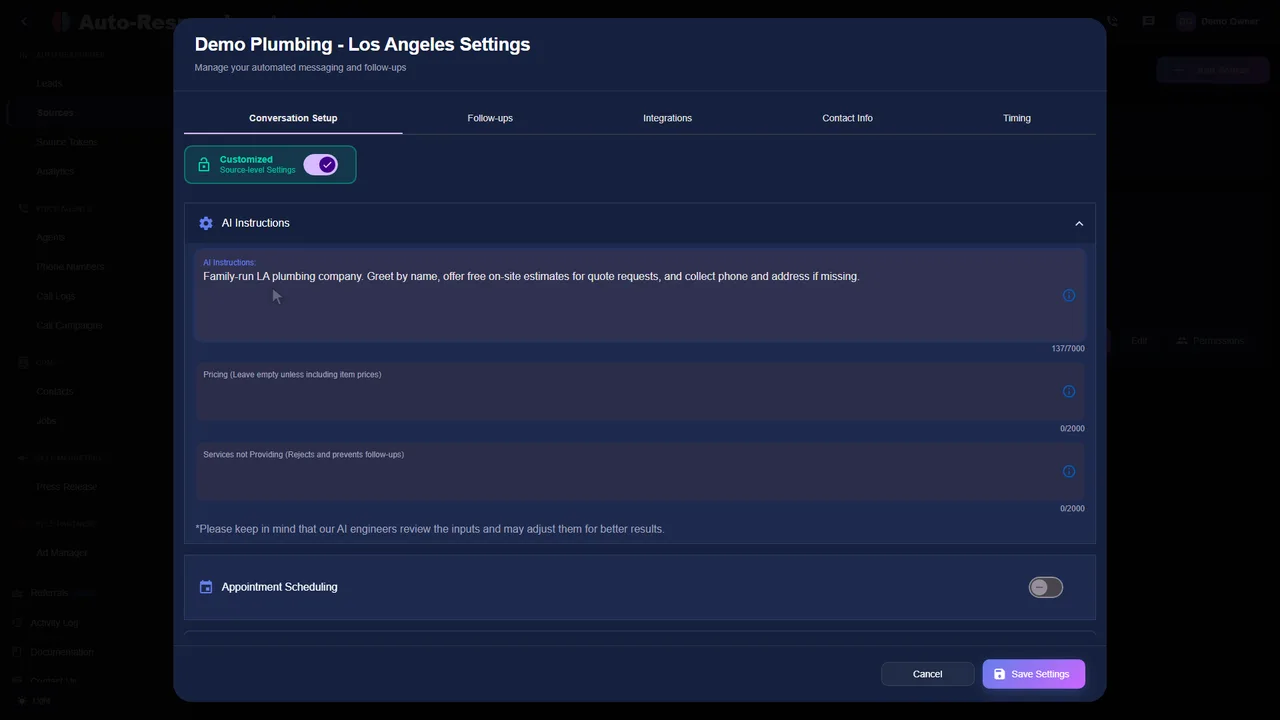
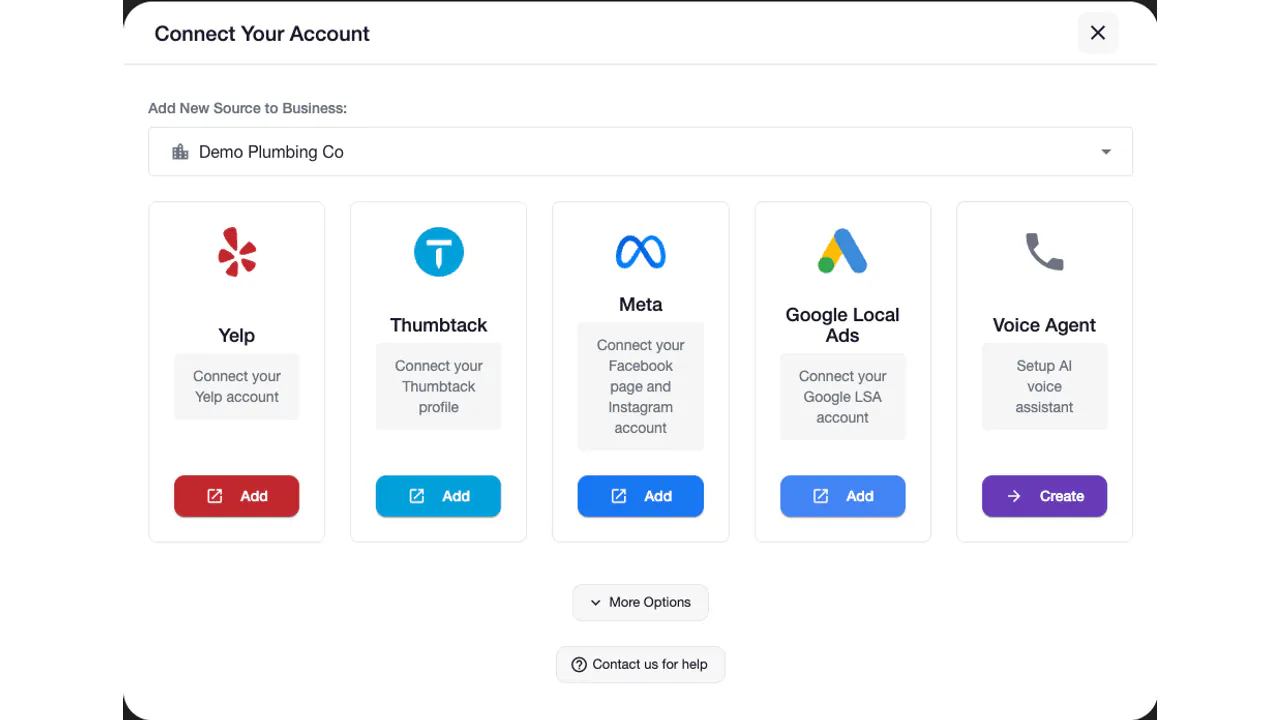
Connect one lead source, give the AI your business information, and send a test lead before you go live. Setup takes under 2 minutes, and the add your first source guide walks through every screen.
Set up my businessStart with Yelp Request a Quote, Thumbtack, Facebook Messenger, Facebook Lead Ads, Instagram DMs, or Google LSA.
Provide services, pricing, hours, service area, and the response instructions the automation should follow.
Set the opening response and enable an optional voice callback when a callable number is available.
Use the Day 1, Day 3, and Day 7 cadence, which stops when the lead replies or books.
Send a test lead and verify the message, optional voice callback, and stop conditions.
Clarity for your team
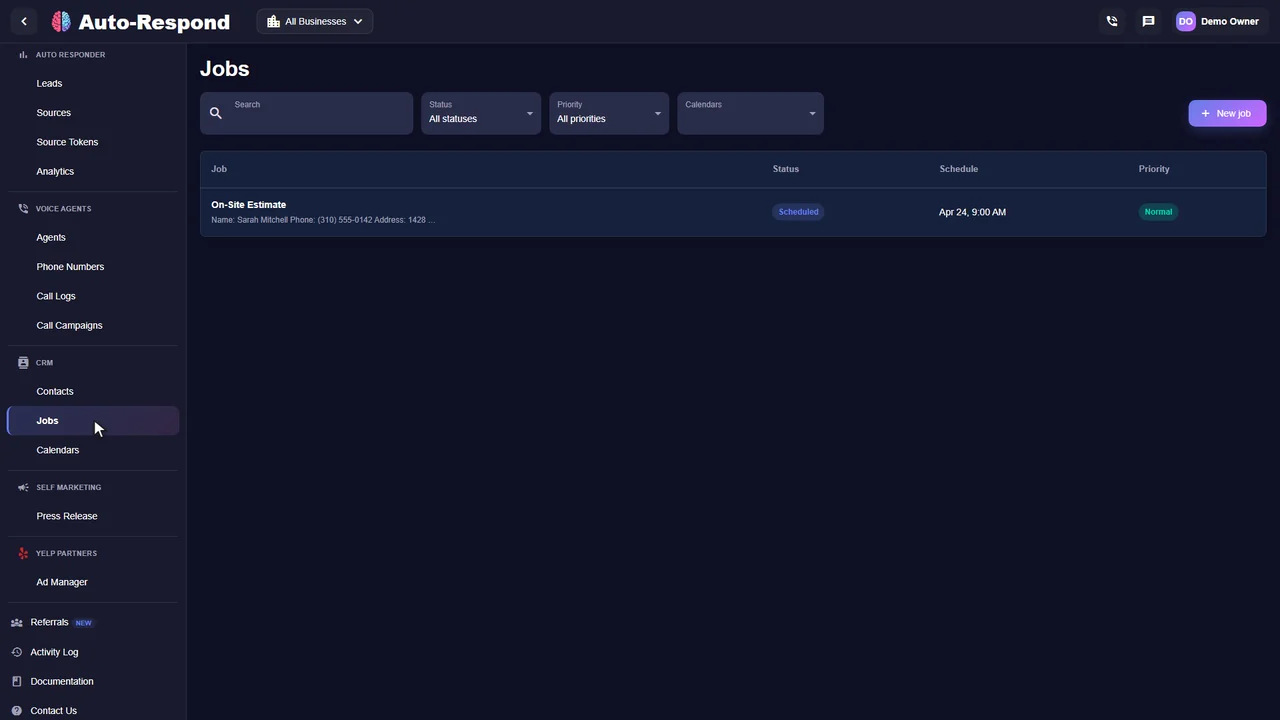
Follow the conversation, review the customer's details, and see the next action in one place. These are real product screens from our demo business.
Customer stories
Reviews from owners and teams who use it with their own leads.
“The batch calling feature saved our month. We uploaded our old leads, and the AI called them all. We filled our schedule just from old customers.”

“This system completely transformed our lead response process. It feels like having a dedicated team member who never sleeps and always responds professionally. Our booking rate increased just from faster response times. it's honestly like magic.”

“It handles everything. A lead came in from Thumbtack, the AI texted them, they didn't reply, so the AI called them. It answered their questions about pricing and booked the job. It's a complete sales machine.”

Know the price before you start
Each channel has a flat monthly price: $99 for each Yelp or Thumbtack source, $49 for Facebook Messenger, Instagram DMs or Google Local Services Ads, and $19 for Facebook Lead Ads. The voice agent is $10 a month per number plus $1 a minute of talk time. No per-lead fees, no lead caps, no contracts. See the full pricing table.
Lead response automation
Facebook Lead Ads $19/mo. Messenger, Instagram DMs, or Google Local Services Ads $49/mo each. Yelp or Thumbtack $99/mo each. Voice $10/mo per number plus $1/min.
See how it works for your business.
Start my free trial No setup fee. No long-term contract.A few things you might be wondering
Speed, channels, booking, cost and what happens when you step in, answered plainly.
Explore the help centerLook for a fast first reply, an optional voice callback, and follow-up that stops when the customer replies or books. Auto-Respond creates the first reply for a supported lead in under 2 seconds and can follow up on Day 1, Day 3, and Day 7.
Lead response automation is software that replies to a supported new lead without waiting for someone to notice a notification. It can combine a platform message or text, an optional voice callback, and a defined follow-up sequence.
Measure this from your own channel reports. Count leads received outside staffed hours, compare their response time and booked-job rate with staffed-hour leads, and use that baseline to judge whether 24/7 first response helps.
The MIT Lead Response Management Study found that waiting from 5 to 30 minutes made firms 100 times less likely to contact and 21 times less likely to qualify a lead. That research supports faster contact; it does not guarantee that a particular lead will reply or book.
The first text or platform message is created in under 2 seconds on supported leads. When voice callback is enabled and a callable number is available, the outbound dial starts instantly.
Yelp Request a Quote, Thumbtack, Facebook Messenger, Facebook Lead Ads, Instagram DMs, and Google Local Services Ads. The exact setup depends on each channel's connection method.
It can reduce first-response time and keep the follow-up schedule consistent, but it does not guarantee a reply, qualified lead, or booking. Compare booked jobs and lead spend before and after setup using your own data.
A basic auto-reply sends one acknowledgement. Auto-Respond can use the services, pricing, hours, service area, and response instructions you provide, then run Day 1, Day 3, and Day 7 follow-up that stops when the customer replies or books.
Not when the replies come from your own business information. The AI writes each reply from the customer's request plus the services, prices, tone, and instructions you give it, so it answers their question instead of sending a stock message. On calls, the voice agent always introduces itself as an AI assistant and answers honestly if asked; you choose its name, voice, and tone.
It can take over the first response, the qualifying questions, and booking for supported leads and calls, around the clock. Many businesses keep a person for complex jobs, pricing exceptions, and existing customers, and set call transfer rules so those calls reach the team.
Every conversation is on your Leads page and every call keeps a recording and transcript, so you can see exactly what was said. Reply manually in the thread and the AI conversation for that lead stops. Then add the missing detail to your AI instructions so the next reply gets it right.
Yelp auto-response is $99/month, Thumbtack is $99/month, Google Local Services Ads is $49/month, Facebook Messenger is $49/month, Facebook Lead Ads is $19/month, and Instagram DMs is $49/month. Voice is $10/month per number plus $1 per minute of talk time. There is a 7-day trial with no contracts, per-lead fees, lead caps, or setup fees.
Choose a supported lead channel, add the business information and reply instructions the responder should use, configure the follow-up, then test a lead before going live. The owner-stated setup time is under 2 minutes.
Your next inquiry could be any minute
Built around your business. Ready when your customers are.